Colorway Generator
Upload one design and get light, dusty and dark colorways in seconds. Your motif stays exactly as drawn while the ground takes a new color, with its texture kept.
Opening your design…
Your design
What is a colorway?
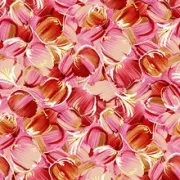
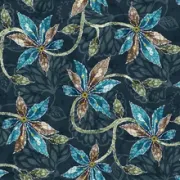
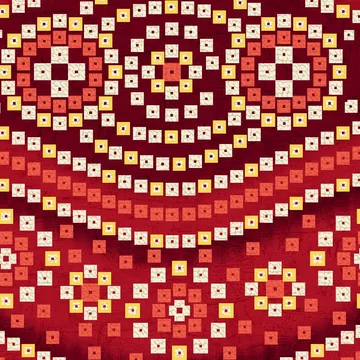
A colorway is the same design printed in a different set of colors. Textile and fashion brands sell one print in several colorways so it suits different fabrics, seasons and customers. This tool makes those colorways for you automatically: it finds the ground of your design and gives it new colors, while the motif stays exactly as drawn.
How to make colorways
- Upload your design (JPG, PNG or WEBP).
- Colorways appear in light, dusty and dark groups, each with its color name and codes. Use “New colors” to see more.
- Click any colorway to view it larger, try a different look, and download it at full size. “Download chart” saves all colorways on one sheet.
Questions people ask
Will the download be the same size as my design?
Yes. Downloads keep the pixel size and DPI of your original file. Extremely large files may be saved a little smaller, and we tell you when that happens.
Does it change my lines or details?
No. Your motif keeps its colors, and only the ground changes. Every edge, texture and transparent area stays exactly as in your file.
Is my design kept private?
Yes. Your designs are never shared or published.
What are light, dusty and dark colorways?
Light colorways have soft pastel grounds, dusty ones have muted, earthy grounds, and dark ones have deep grounds such as navy, wine or black.