Your designs, print-ready in minutes.
Upscale blurry artwork, make new colorways and get fresh design ideas. No software to learn. Just upload your design.
Opening your design…
Your design is already large
Your sharper design is ready
Choose what you want to do
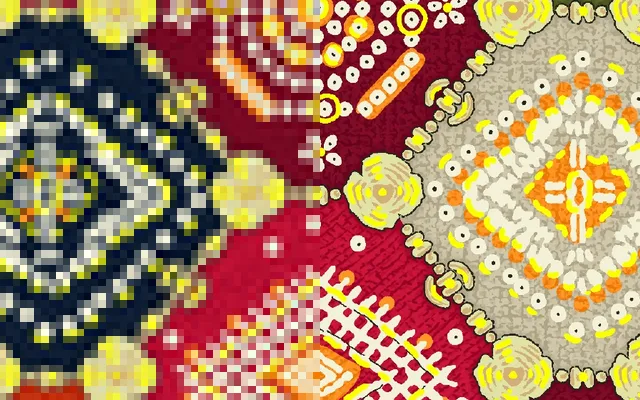 72 DPI300 DPI
AI Image Upscaler
Free + ProMake low-quality designs sharp and print-ready at 300 DPI.
Open tool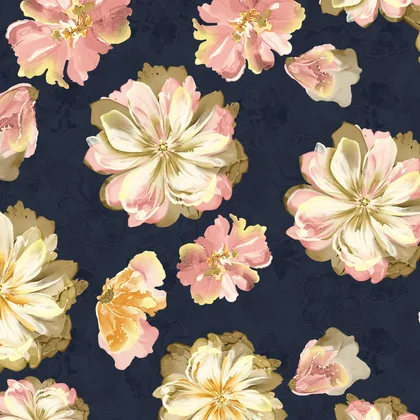
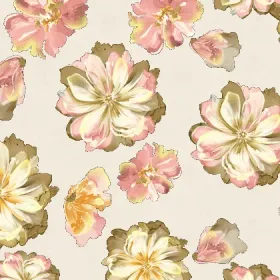
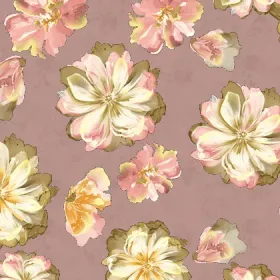
Colorway Generator
FreeGet light, dusty and dark colorways of one design in seconds.
Open tool
Design Variations
ProCreate fresh design ideas from a reference design.
Open tool

Color Separation
Coming soonSplit artwork into production-ready color channels.
Learn moreHow it works
- 1
Upload your design
Drag in a JPG or PNG, or tap to pick one from your computer or phone.
- 2
Pick a tool
Upscale, recolor or create variations. Sensible settings are already chosen for you.
- 3
Download
Get a full-size file you can send straight to print or to your client.
Made for textile work
Every detail kept
Lines, fine textures and gradients stay exactly as you drew them.
Print-ready files
Full-size downloads with the right DPI, ready for production.
Easy to use
Big buttons, clear steps and your own language. No training needed.
Results in seconds
No waiting and no software. Upload, and your file is ready almost instantly.
Questions people ask
Is it free?
Yes. The Colorway Generator and the standard upscaler are free. Pro upscaling and design variations use credits.
Which files can I upload?
JPG, PNG, WEBP, TIFF and PSD (Photoshop files with “Maximize compatibility” on, which is the default). For AI or EPS files, save a PNG or TIFF copy first.
Do I need to install anything?
No. It works on any computer or phone. Just open the website.
Are my designs safe?
Yes. Your designs are used only to make your result. They are never shared or published.
Start with a free colorway
Upload any design and see 12 colorways in a few seconds.