Free AI Image Upscaler for textile designs
Turn small or blurry artwork into a sharp, 300 DPI file ready for printing on fabric. Enlarge 4× or 8× (up to 800%) free, or 16× with Pro.
Opening your design…
Your design is already large
Create a free account to upscale
It takes a minute: just your name and email, then one WhatsApp message. Upscaling stays free.
Your design waits here and starts upscaling as soon as you are signed in.
Your sharper design is ready
Free and Pro, zoomed in
See what Pro adds
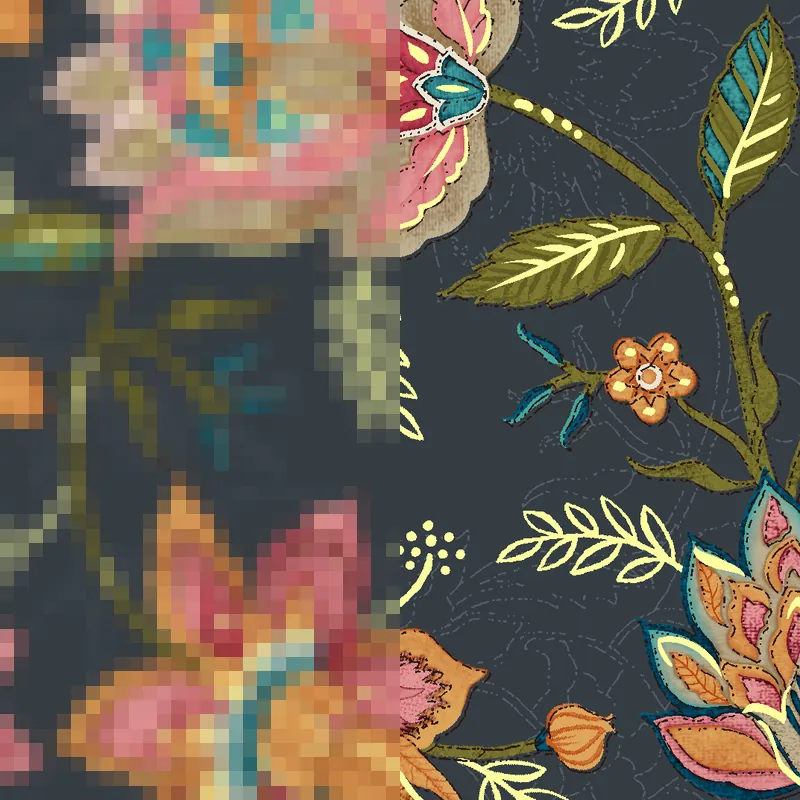
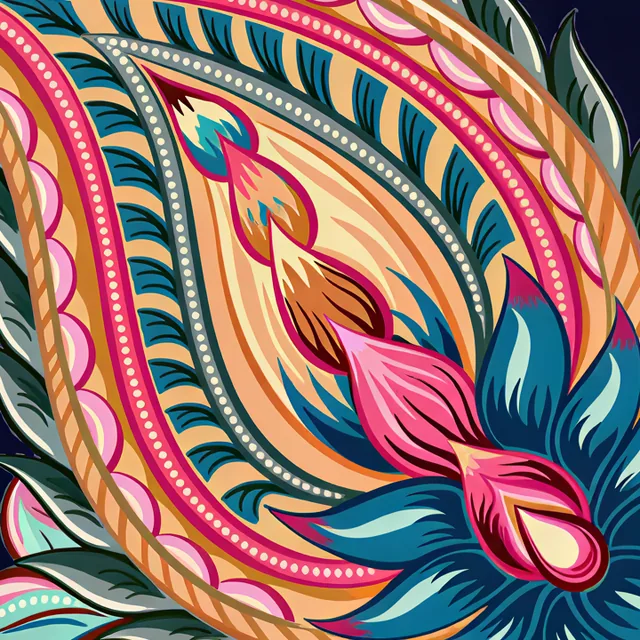
Real Pro results on textile designs. Drag the line: on the left the low-resolution file, on the right the same spot after Pro.
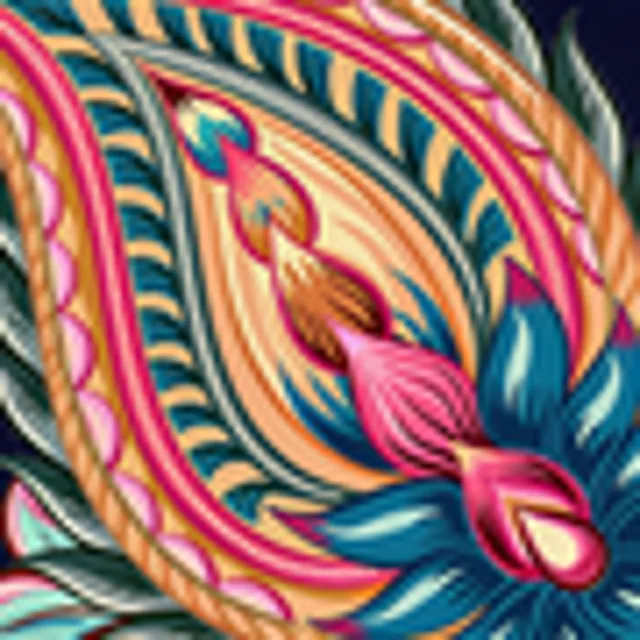 Low-res filePro
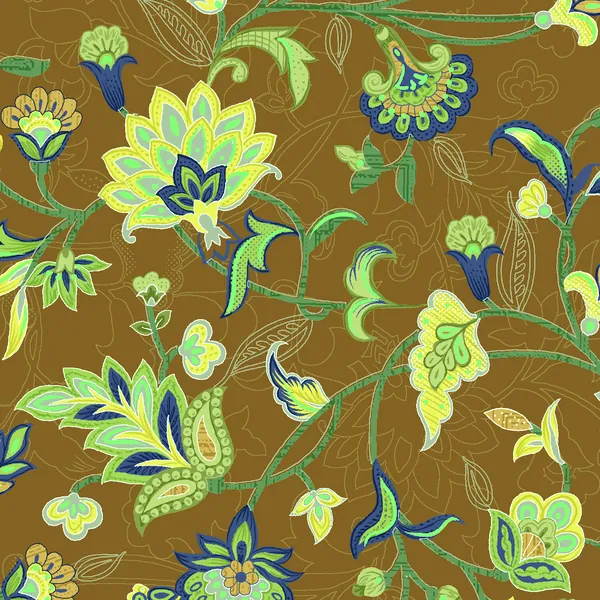
Paisley: dots, ropes and outlines stay crisp
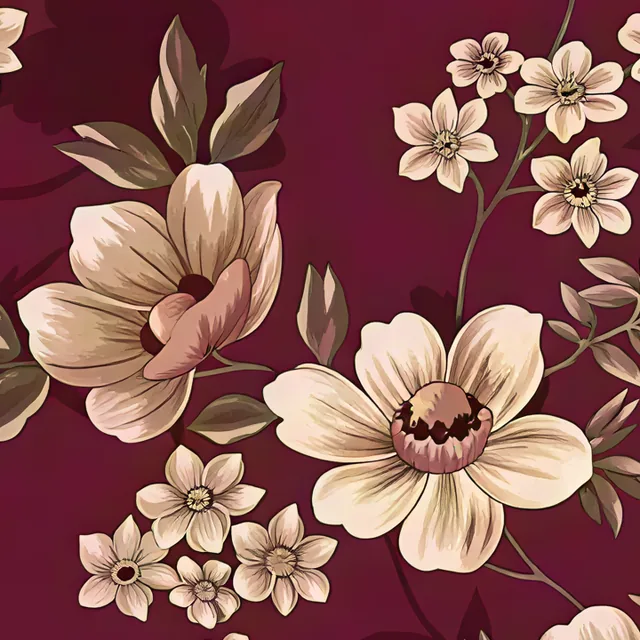
 Low-res filePro
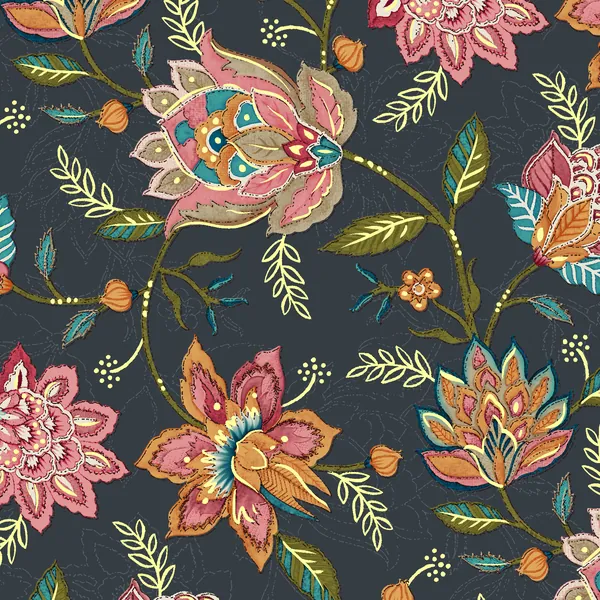
Small florals: clean edges on every bloom
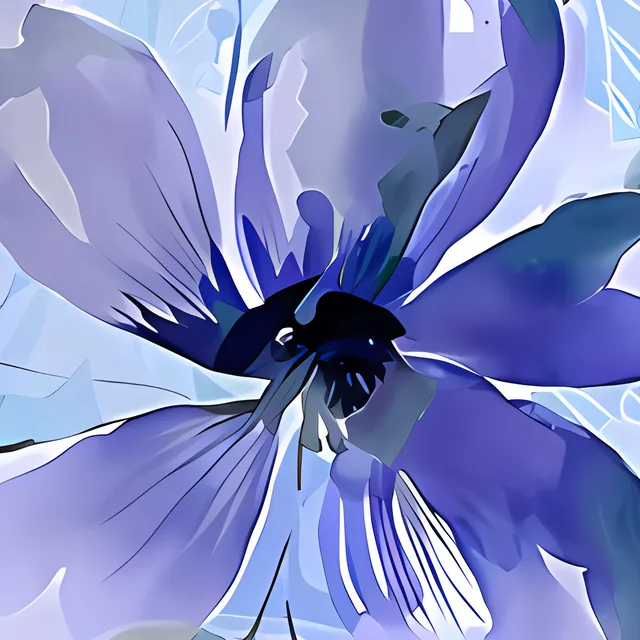
 Low-res filePro
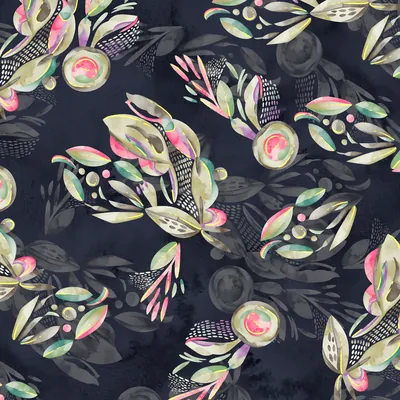
Watercolour floral: petal veins come back sharp
Pro makes 4×, 8× and 16× with finer detail and uses credits. Make a free result first, then choose Pro.
Why upscale a textile design?
Printing on fabric needs a lot of detail, usually 300 DPI at the final print size. Designs taken from a phone, WhatsApp or the web are often too small, so they print blurry. An AI upscaler adds real detail as it enlarges, so lines stay crisp and textures look natural.
Questions people ask
What is the difference between Free and Pro?
Free upscaling is great for everyday designs. Pro gives the best quality and the largest sizes for big prints.
What does 300 DPI mean?
300 dots per inch is the standard detail level for quality printing. We work out the right size from your print width, so the file prints sharp.
Is the image upscaler free?
Yes. 4× and 8× are free: upload a design and download the result as a PNG tagged 300 DPI. Free results go up to 36 megapixels. Pro, for the finest detail and 16×, uses credits.
How much can I enlarge an image?
4× (400%) or 8× (800%) for free, and 16× (1,600%) with Pro. At 8×, a 750 × 750 pixel design becomes 6,000 × 6,000 pixels, which prints 20 × 20 inches at 300 DPI.
Which upscaler gives the finest detail?
Pro. It rebuilds thin lines, dots and fabric texture more crisply than the free upscaler, which shows on sarees, dupattas and other prints seen up close. Drag the samples on this page to compare.
Guides
- Best DPI for DTF transfers: 300 DPI PNG sizes and gang sheetsThe best DPI for DTF transfers is 300 at print size, in a transparent PNG. Pixel sizes for chest, front, back and 22 inch gang sheets, and when to upscale or redraw.7 min read
- Fabric design size in pixels: yard, fat quarter and panel chartsFabric design size in pixels for a yard, half yard, fat quarter, fat eighth and quilt panel at 150 and 300 DPI, plus bolt widths and the repeat size quilters want.7 min read
- Image resolution too low for printing? 5 fixes that workImage resolution too low for printing? Five fixes in order: print smaller, match DPI to the product, find the original, AI upscale or redraw as vector.6 min read
- Print-on-demand image size: Printful, Printify, Redbubble pixelsPrint-on-demand image size by platform: Printful, Printify and Redbubble pixel and DPI rules in one dated table, and how to fix a file that is too small.6 min read